
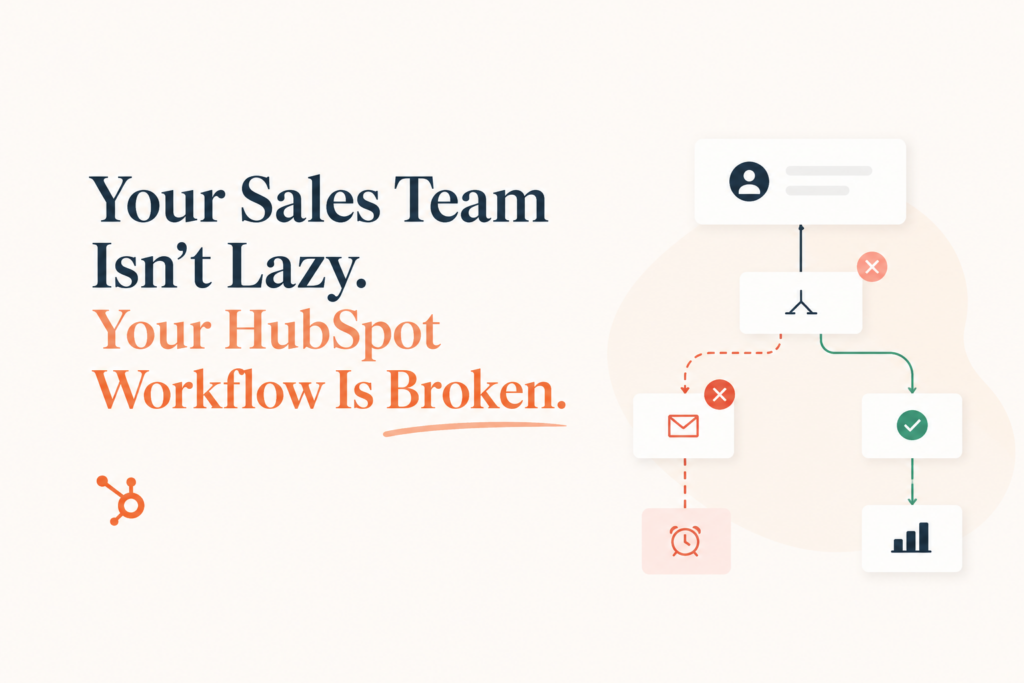
- Most sales teams aren’t underperforming, their HubSpot workflows are silently failing them.
- Late lead assignments, missed follow-ups, and manual data entry are the clearest warning signs.
- Good HubSpot automation should be invisible, it runs in the background without anyone having to babysit it.
- A workflow audit is the fastest way to find where leads are slipping through the cracks.
- The goal isn’t more automation, it’s smarter, leaner automation that actually mirrors your sales process.
Here’s a scenario that plays out in sales orgs more often than anyone admits: leadership blames the team for slow follow-up. The team says they’re doing their best. Everyone agrees HubSpot should be “handling this.” And yet, leads sit untouched for 36 hours, deals stall, and reporting doesn’t show why.
The problem isn’t your people. Nine times out of ten, it’s the workflow architecture underneath them. Broken HubSpot workflows don’t announce themselves. They just quietly let leads fall through the cracks while everyone assumes someone else is catching them.
This post walks you through the clearest signs your HubSpot workflow is broken, and what automation should actually look like when it’s working.[1]
Signs Your HubSpot Workflow Is Broken
You don’t need a full audit to spot a broken workflow. These four patterns show up again and again in sales orgs that are running HubSpot but not getting results from it.
Leads are assigned late — or not at all
If a lead fills out a form at 9am and a rep doesn’t know about it until after lunch, something is broken. Speed-to-lead is one of the most impactful variables in conversion rates.[2]
Reps are still doing manual data entry
If your team is manually updating deal stages, logging calls, or moving contacts between pipelines by hand, your automation isn’t working, it’s creating extra work.
Follow-ups are getting missed
Deals that go quiet after the first touch aren’t a rep discipline problem, they’re a workflow gap. If a sequence isn’t enrolling the right contacts at the right time, follow-up falls entirely on human memory.
Reporting is always a day late
If your weekly pipeline review involves someone manually pulling data from HubSpot, your workflows aren’t feeding the reporting system correctly. Real-time data should be the default.[3]
Why Workflows Break in the First Place
Most HubSpot workflows weren’t built badly, they were built once and never revisited. A workflow that was perfect in Q1 2023 might be completely misaligned with how your team sells today. Sales processes change. Buyer journeys shift. Workflows don’t update themselves.
Common culprits
- Enrollment triggers built around old form names or outdated properties that no longer match your current setup.
- Logic branches that made sense once but now cover edge cases that are 90% of your traffic.
- Workflows that overlap and conflict with each other, enrolling the same contact in multiple sequences simultaneously.
- Missing re-enrollment settings that mean returning leads never get picked up again.[4]
- Sequences built for a different sales motion, like high-touch outbound, running on inbound leads who need something completely different.
The result is a system that looks automated but is full of gaps that only surface when a deal is lost or a prospect complains they never heard back.
What HubSpot Automation Should Actually Look Like
Good workflow automation isn’t impressive because it’s complex. It’s impressive because it makes complexity invisible. A rep should never have to wonder whether a lead got assigned, whether a follow-up went out, or whether a deal was updated — it should just happen.[5]
| What you have now | What it should look like |
|---|---|
| Leads assigned manually or randomly | Instant round-robin assignment with territory and capacity logic |
| Reps manually updating deal stages | Stage updates triggered by email opens, meetings booked, or form fills |
| Follow-up left to individual reps’ memory | Sequences that auto-enroll based on lead behavior and break the moment a reply comes in |
| Weekly reporting done by hand | Live dashboards that update as deals move through the pipeline |
| Inconsistent lead scoring | Score updates triggered in real time by every meaningful touchpoint[6] |
The benchmarks back this up. Research from HubSpot found that companies using marketing automation to nurture prospects see a 451% increase in qualified leads.[7] But that only holds if the automation is set up correctly, and most of the time, it isn’t.
HubSpot Workflow Best Practices Worth Following
If you’re rebuilding or auditing your workflows, these are the principles that separate workflows that work from workflows that look like they work.
1. Build around your actual sales process, not HubSpot defaults
HubSpot’s default pipeline stages are generic. If your sales motion doesn’t match them, your workflows will constantly misfire. Map your real stages first, then build the automation to match.[5]
2. Use behavioral triggers, not just time-based ones
Time-based workflows (send email after 3 days) are a fallback, not a strategy. Behavioral triggers, opened an email, visited the pricing page, booked a demo, fire at the moment that actually matters.[4]
3. Set clear suppression criteria
Every enrollment workflow should have an equally clear set of suppression rules. Who should not get this sequence? Existing customers? Open opportunities? Contacts in another active sequence? Define it explicitly or you’ll create chaos downstream.
4. Keep workflows modular
One workflow, one job. When a single workflow tries to handle lead assignment, follow-up, deal updates, and internal notifications simultaneously, it becomes impossible to debug. Break it apart.[6]
5. Audit quarterly, not annually
Your sales process changes. Your workflows need to keep up. A quarterly review, checking enrollment rates, action completion rates, and error logs, catches problems before they cost you deals.
Not sure where your workflows are breaking?
We’ll map exactly where leads are falling through the cracks, and show you what to fix first.
Frequently Asked Questions
How do I know if my HubSpot workflows are working?
Check your workflow enrollment history and action completion rates inside HubSpot. If contacts are enrolling but actions aren’t completing — or if enrollment numbers seem unusually low, that’s your first red flag. Pair that with a review of lead response times and missed follow-up rates to get the full picture.
What’s the most common HubSpot workflow mistake?
Overlapping workflows with no suppression logic. When multiple workflows can enroll the same contact simultaneously, you end up with conflicting actions, duplicate emails, and messy reporting. Always define who gets excluded from a workflow just as clearly as you define who gets included.
How complex should my HubSpot workflow automation be?
Simpler than you think. The goal is a system your team can actually understand and troubleshoot. Start with the highest-impact workflow, lead assignment, initial follow-up, deal stage updates, and layer complexity from there only when it solves a real problem.
Can I automate the entire sales process in HubSpot?
You can automate a lot of it, lead routing, follow-up sequences, task creation, deal stage updates, internal notifications, and reporting. The parts that stay human are relationship-building, negotiation, and anything that requires contextual judgment. Automation should handle the logistics so reps can focus on those moments.
How often should I audit my HubSpot workflows?
At minimum, quarterly. More often if you’ve made significant changes to your sales process, updated your lead sources, or changed team structure. Workflows are not “set and forget,” they need to stay aligned with how your team actually sells.
What’s the difference between a HubSpot sequence and a workflow?
Sequences are for 1:1 sales outreach, they send from a rep’s individual inbox and pause when a contact replies. Workflows are for automated, system-level actions, they can trigger emails, update properties, assign contacts, create tasks, and more. Both are powerful, but they serve different parts of the sales motion.
Sources
- [1] HubSpot Knowledge Base: Create and manage workflows
- [2] HubSpot Research: The science of lead response time
- [3] HubSpot Blog: Sales reporting best practices
- [4] HubSpot Knowledge Base: Re-enrollment in workflows
- [5] HubSpot Blog: HubSpot workflow examples for sales teams
- [6] HubSpot Blog: Marketing automation mistakes to avoid
- [7] Annuitas Research: B2B enterprise demand generation study — lead nurture outcomes